How to use this tool
- Choose, drop or paste static JPG, PNG or WebP images, up to four per workspace. A copied screenshot can be pasted while this workspace is focused.
- Select English or Spanish. Rotate, straighten, adjust contrast or crop a percentage region before recognition.
- Compare the preview with the result. Correct mistakes, find and replace text, and inspect real confidence flags.
- Copy a page, download combined UTF-8 text, or use Batch exports for separate TXT files in a ZIP. Export anything you need before clearing or closing the page.
Try a known example
The scanned/image example contains 19 known words; the native text example contains 5. These are fixture results, not a general accuracy guarantee.
Try a working example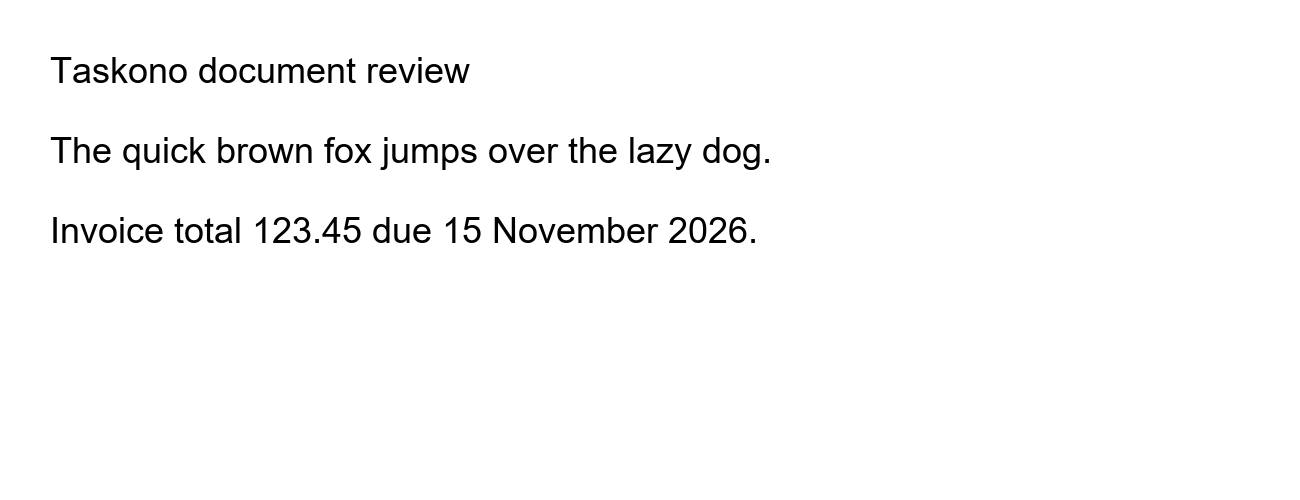
Questions and useful limits
Can I extract text from a screenshot?
Yes. Screenshots use the same image workflow; a separate near-identical screenshot tool is not needed. Crisp text at a readable size works best.
Which formats and languages work?
Static JPG, PNG and WebP are supported within disclosed device-safety limits. Choose English or Spanish recognition. HEIC, animated images, handwriting and unsupported scripts are not accepted as supported recognition workflows.
Is OCR text always correct?
No. Blur, unusual fonts, small print, columns and numbers can produce errors. Confidence flags come from the engine and are not measured accuracy. Review important results against the image.